


Code with context
Generate and edit code with AI that works alongside your files. Keep the goal, changes, and review in one place.
Code Editor · Workspace · Image Generation · Video Creation
Write and edit code, generate images, and create videos in one workspace. Take an idea from first prompt to finished work.
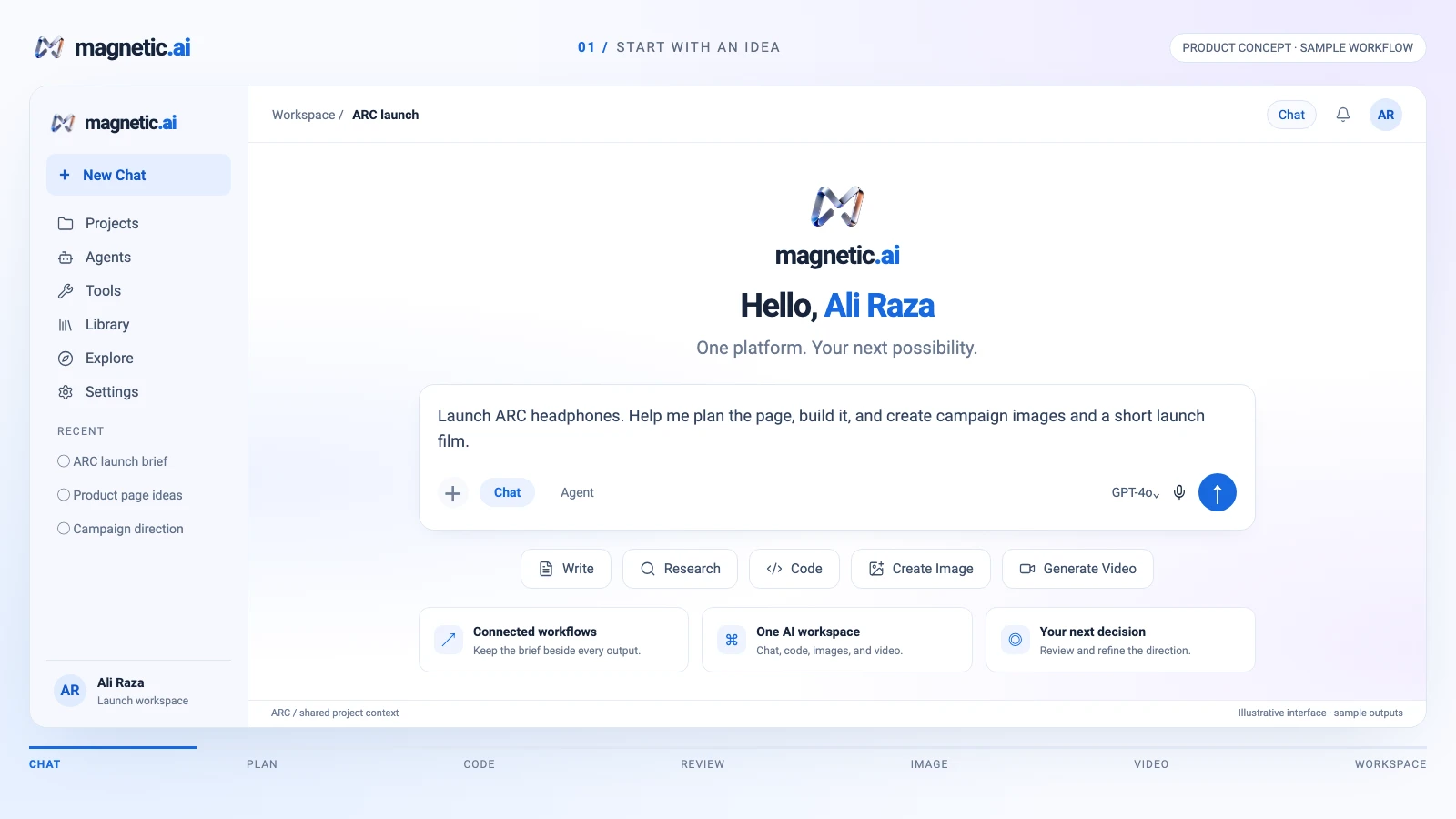
One brief. Chat, code, images, and video.
Familiar tools for modern teams
Build and create
Generate and edit code with AI that works alongside your files. Keep the goal, changes, and review in one place.
Work with your existing stack, components, and project structure.
Debug, refactor, and refine code as your project grows.
Keep existing components, spacing, and naming conventions in context.
Workflows
Think, prompt, build, create, edit, refine, and ship. Keep each step connected in one AI workspace.
Start with a feature, bug, or rough idea. Define the goal and constraints in a focused prompt.
Intent capturedTurning intent into working software.
Add an empty state to the cart. Keep the existing checkout flow unchanged.
AI Code Editor
Understand the codebase, generate focused edits, and review the result with your files and feedback in view.
Image & video creation

Explore product shots, concepts, and campaign visuals. Edit and refine the direction in the same workspace.
Keep the creative brief close as you generate, edit, and refine images and video.

 In motion
Create video from ideas, prompts, and images. Review the scene, then refine the motion.
Generate a still, explore variations, and carry the idea into video. Keep assets and creative decisions together.
Explore image creationExplore image and video workflows in one creative workspace.
A cinematic product still at sunrise — warm light, clean backdrop, launch-ready.
AI workspace
Bring projects, files, and AI workflows together. Keep the brief and the next decision beside the work.
Every change starts on a branch and ends in review.
Pick the right model for each task.
Choose exactly what the agent can access.
Nothing applies until you approve it.
Connect the tools you already use.
Review the diff before Magnetic applies changes.
Context that carries forward. Keep goals, files, and feedback connected as you build and refine.
Your work. Your decisions.
Keep the task, relevant files, and permissions in view.
Review the next step and adjust the direction before continuing.
See what changed and what still needs your attention.
Illustrative control loop
npm install @modelcontextprotocol/sdkNetwork · package files
cat src/components/cart.jsxAllowed
cat .envBlocked
One workspace. More ways to create.
Development
Understand your codebase, generate and edit code, and debug with AI in your development workflow.
Creative AI
Generate images from a prompt, explore visual directions, and refine the details for your next project.
Creative AI
Turn ideas and prompts into video. Shape the scene, review the motion, and refine your next cut.
Explore how developer and creative work connect, from a first idea to the next iteration.
Turn a feature idea into a focused plan. Generate code, inspect the changes, and refine the result.
Explore a visual direction from a prompt, then edit and refine the details for your project.
Keep the brief, image variations, and feedback together as your creative direction takes shape.
Give your idea a clear goal. Choose a workflow and keep the next step in view.
Bring project files and creative decisions into the same workspace so each iteration has a starting point.
Try a new direction in code, images, or video, then refine the version worth taking forward.
Inspect edits and test feedback beside the original goal before handing off the change.
Turn a prompt or image into a scene. Review the motion and refine the next cut.
Keep notes, files, and next actions close to the project as the work moves forward.
FAQ


 Install MCP SDK