
Image generation
From a prompt
to a visual you can refine.
Shape product, marketing, and concept visuals while the brief stays beside the frame.
- Product
- Interface
- Gallery
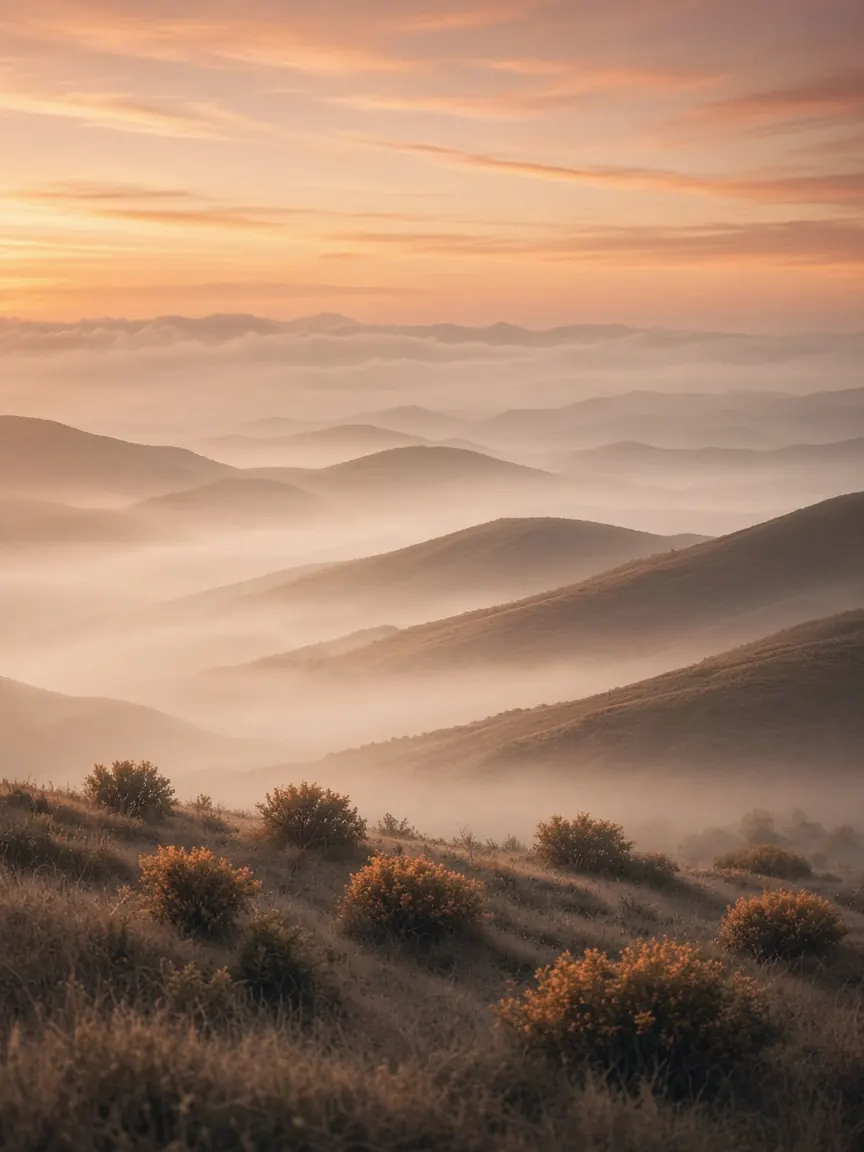
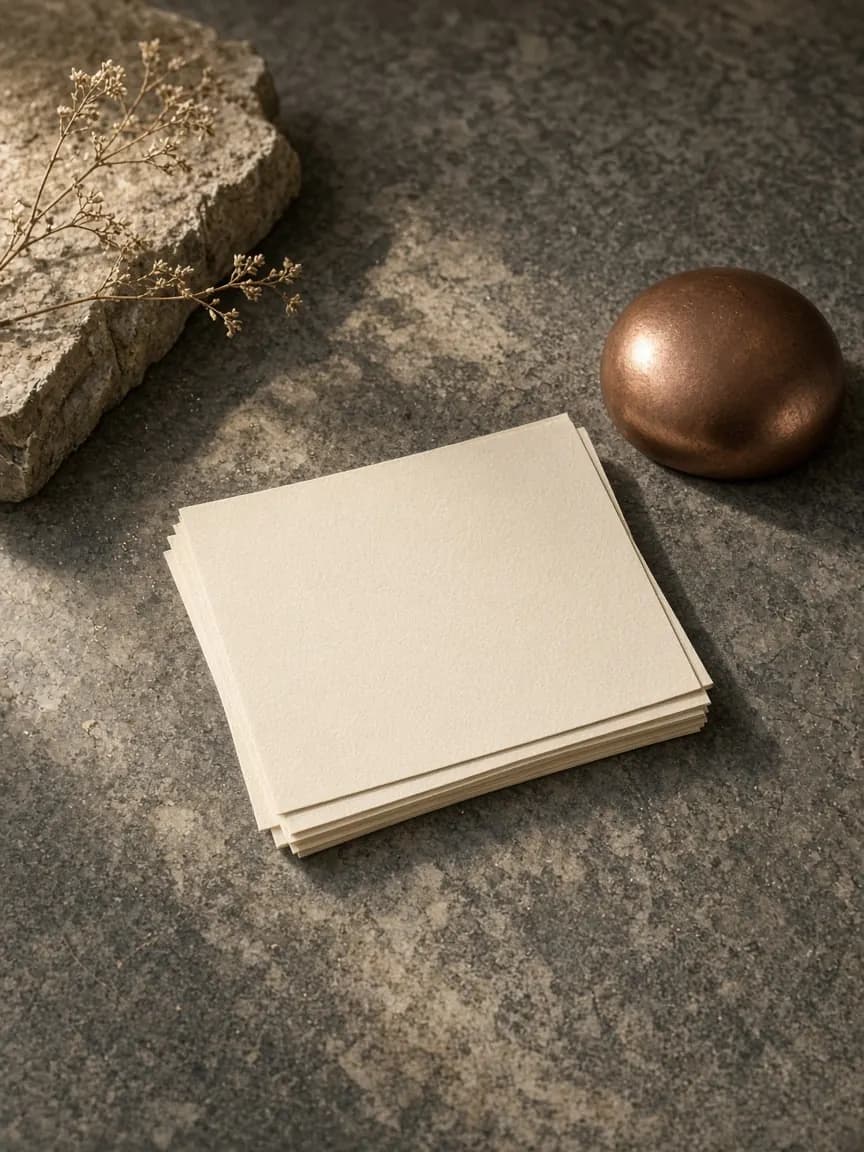
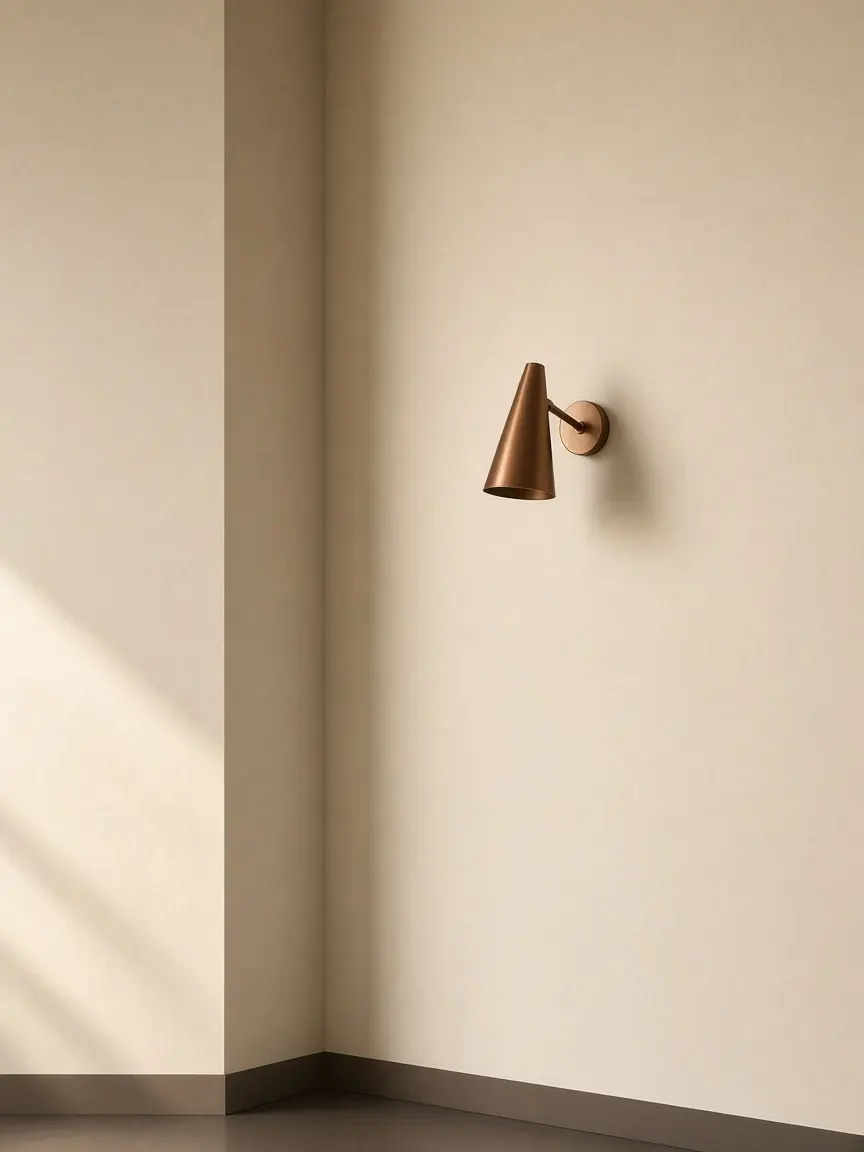
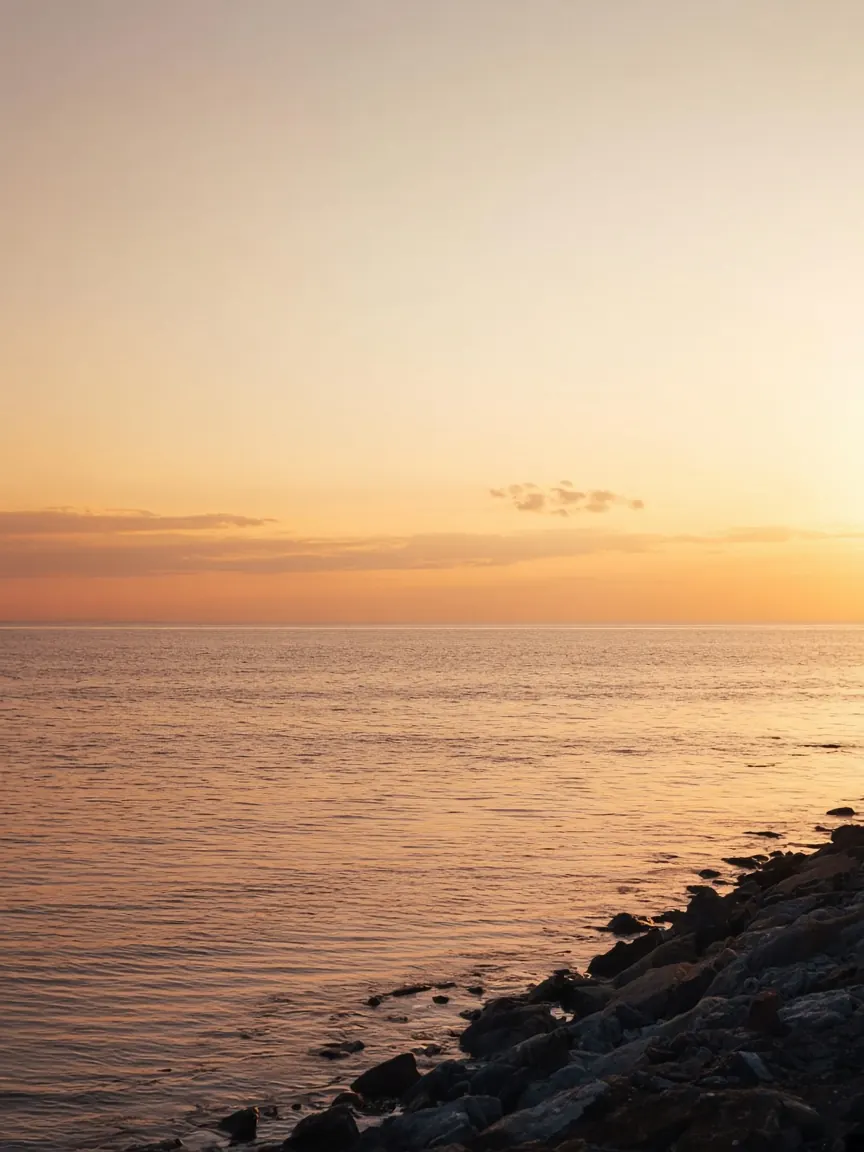
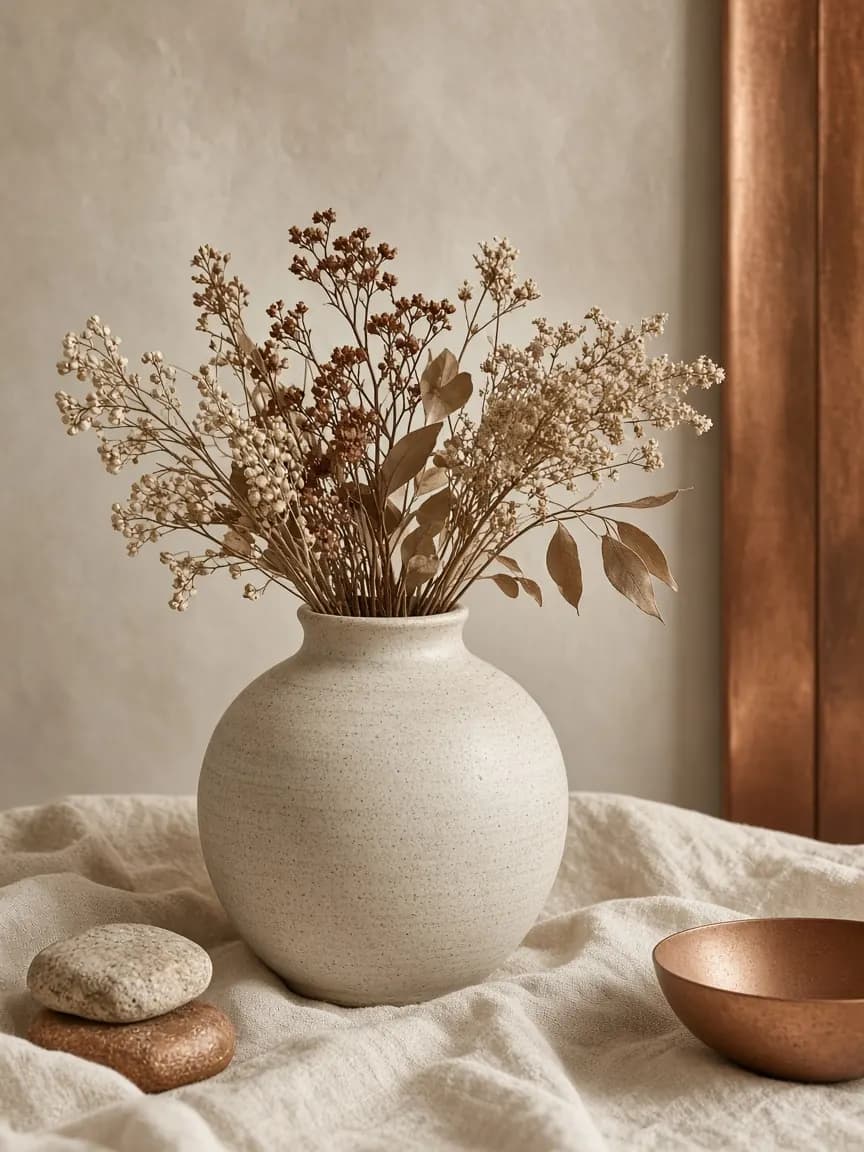
Concrete scenarios
Ways creators use images.
- 01
Product concept board
Generate options, pin favorites, and keep direction notes attached.
- 02
Campaign stills
Explore styles for the same brief without losing the original prompt.
- 03
UI mood frames
Rough visual direction before design systems harden.
- You
Soft product still, warm light, empty desk.
Gallery
Promptframerefine.
 Product
Concept stills for early reviews.
 Interface
Mood for product surfaces.
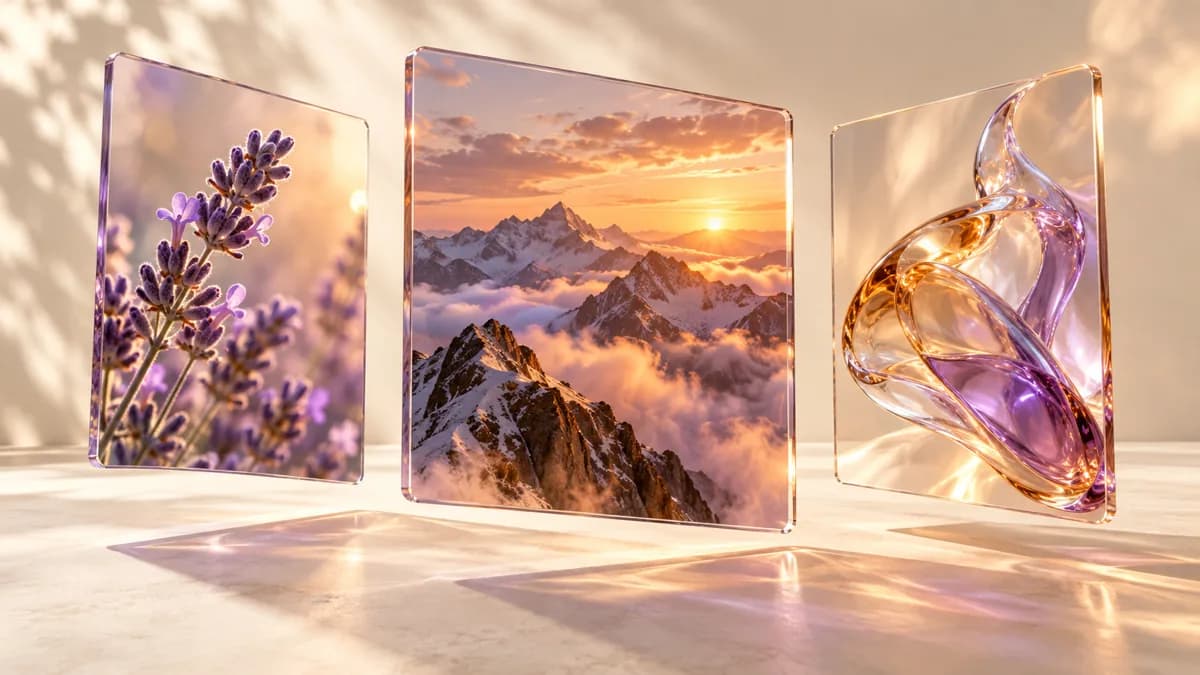 Gallery
Collections you can compare side by side.
Reference use case
Give the model a frame.
See what changes.
Drop a sketch, photo, or still as reference — for regeneration, edit, or guided look. Pick an example, then drag the handle to compare what you gave with what comes back.
- Reference
- Edit
- Regenerate
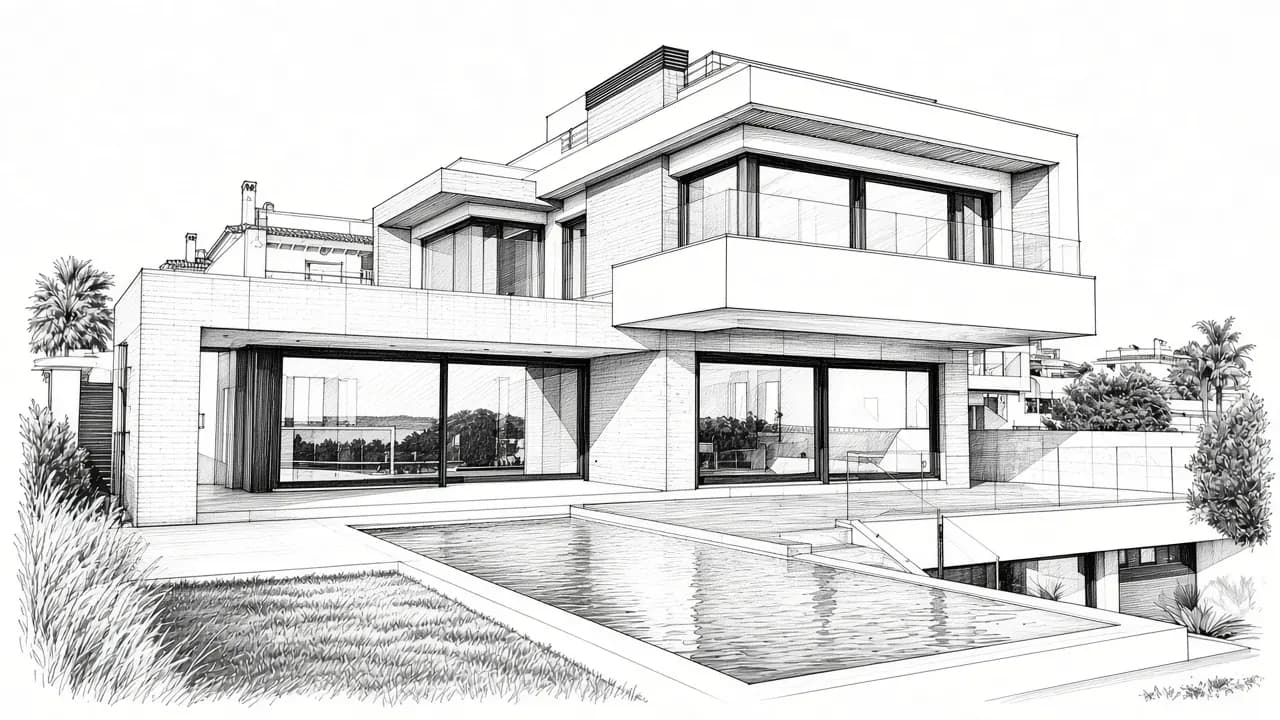 Reference
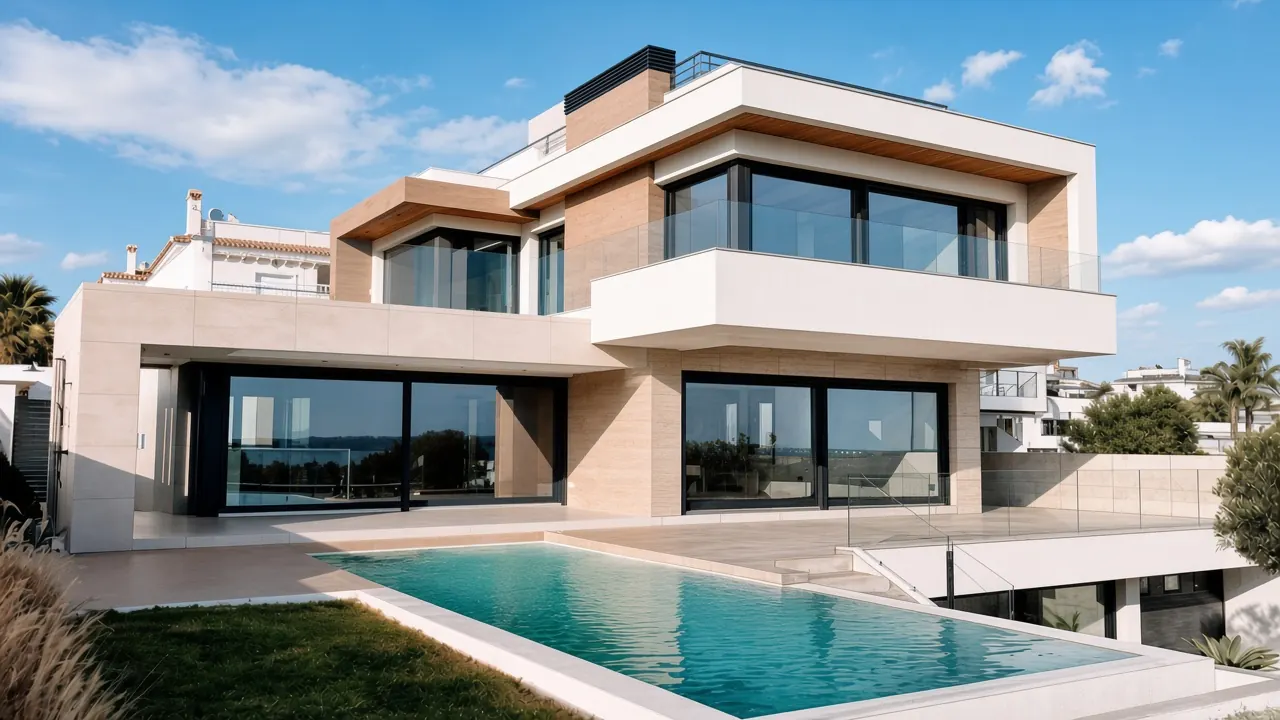 Result
Stories
What creators notice first.
Explore a visual direction from a prompt, then edit and refine the details for your project.
Create imagesCreative workflow · Workflow exampleBring project files and creative decisions into the same workspace so each iteration has a starting point.
Keep contextAI workspace · Workflow example


Image generation lifecycle
Create without losing the brief.
Images on magnetic stay next to the ask — so iteration feels connected, not random.
FAQ